Start from a template
Choose a layout and adapt it to your event. Save your own templates to use again for the next one.

Event Websites
Bring your brand, programme and speakers together on a page that makes signing up easy. Build, customise and publish without writing code.
Visual website builder
Start with a template or a blank page. Drag content into place, arrange the sections and edit the details directly in the builder.
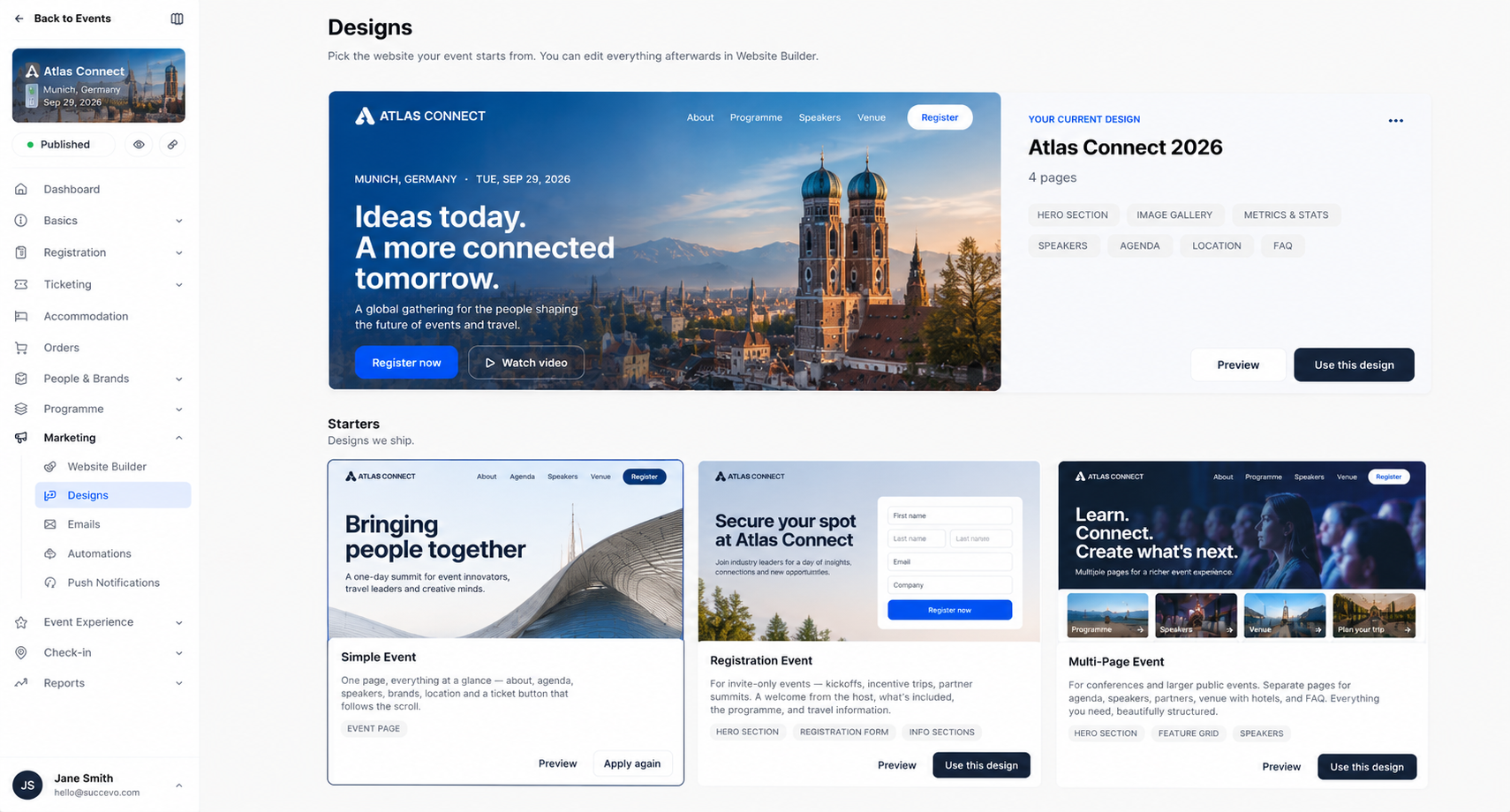
Choose a layout and adapt it to your event. Save your own templates to use again for the next one.
Combine text, images, video and event content. Move sections into place and click to edit.
Keep it to a single page or add more. Organise the navigation so visitors can find what matters to them.
Event website examples
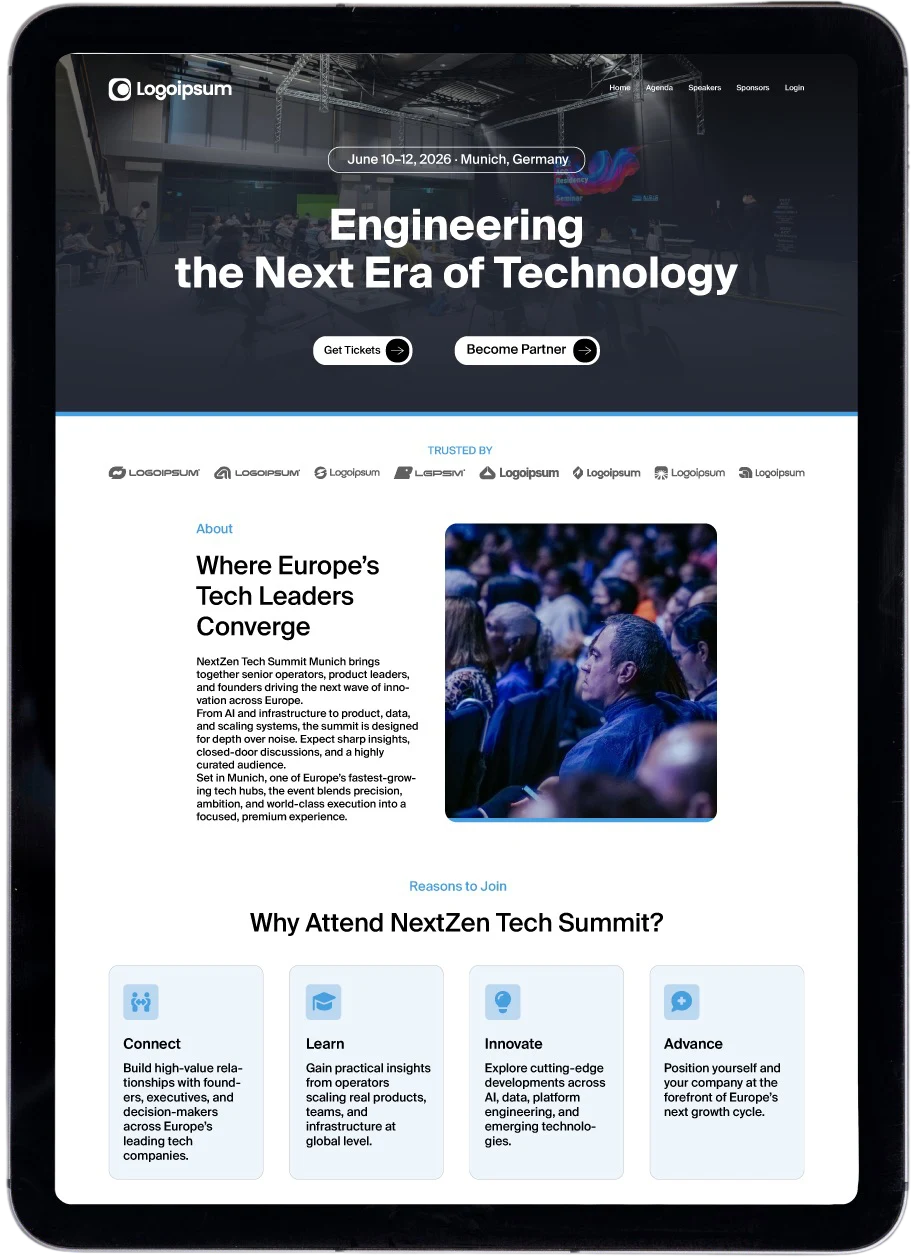
From a conference landing page to a multi-day trip with its own itinerary, hotels and community. Explore what you can build in Meetingbox.
A focused event website with the programme, speakers, partners and a clear route to registration.
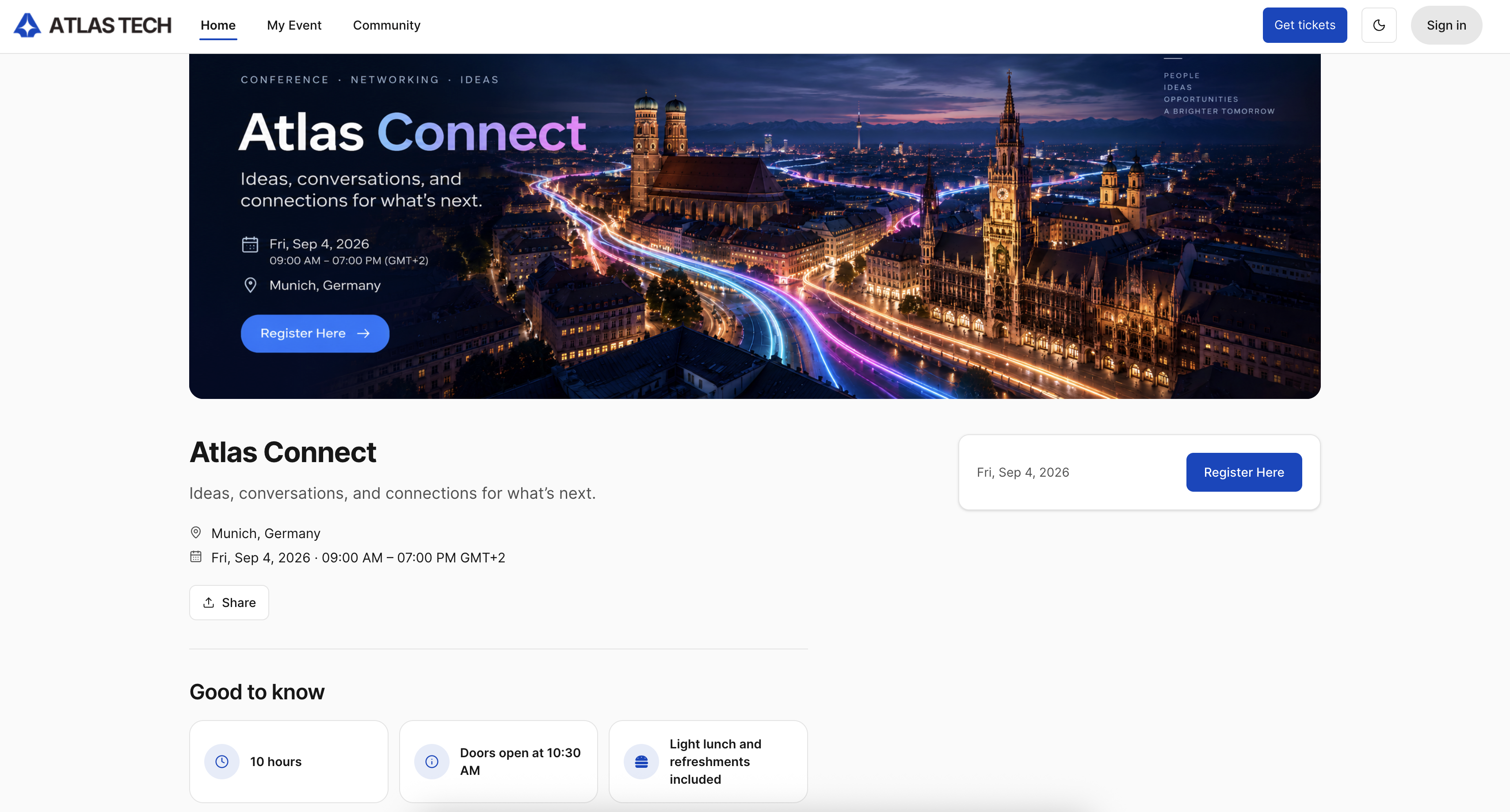
01 / 4Homepage
Connected event content
Bring your programme, speakers and sponsors from Meetingbox onto your website. Turn the details behind your event into a clear path to registration.
Brand and design
Start with your Hub’s brand or give an event its own identity. Set the logos, colours and typography in one place.
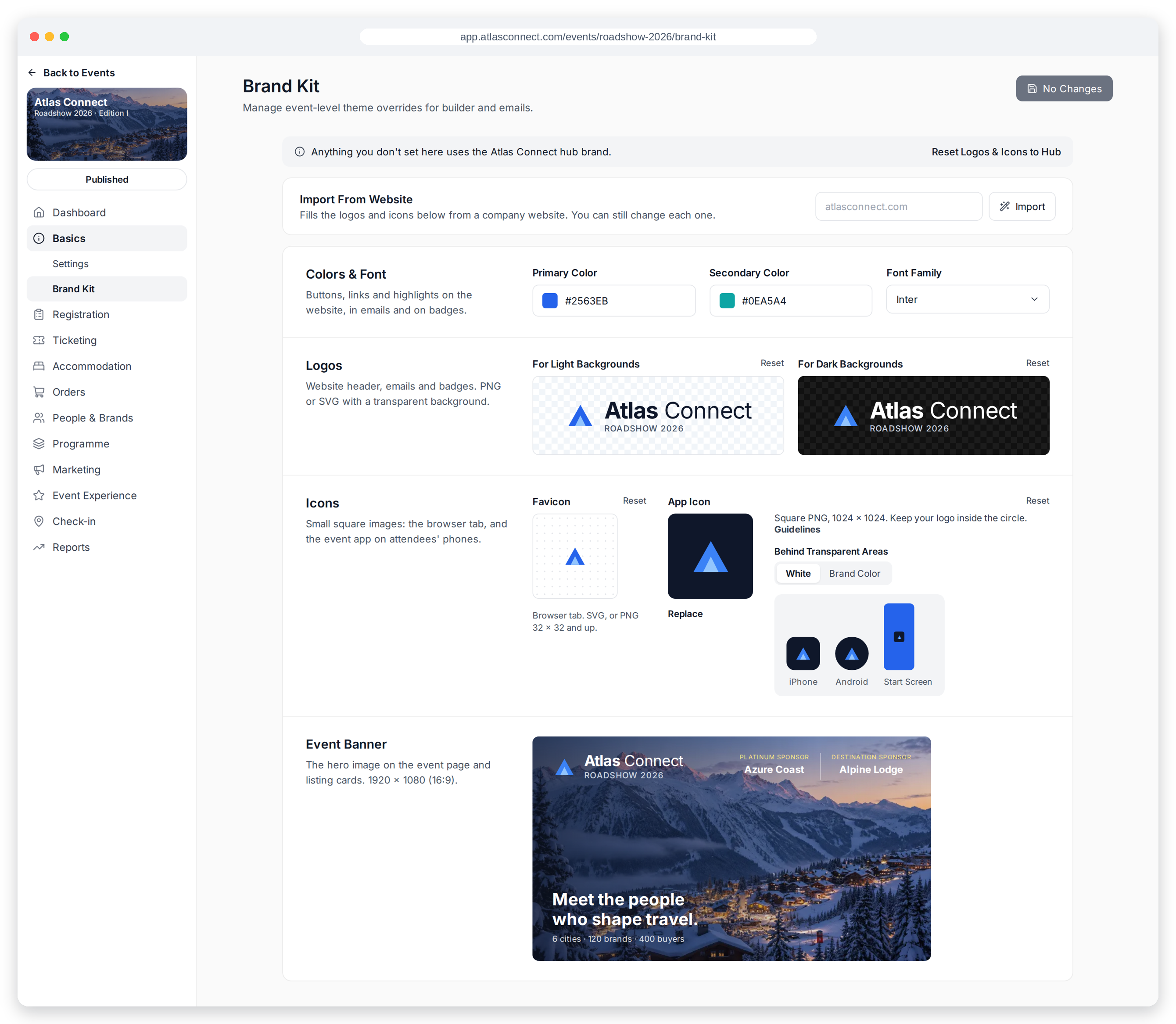
Import logos and icons from your company website or upload your own. Set light and dark logo versions, a favicon, an app icon and an event banner.
Set primary and secondary colours and choose the font for your website.
Use your Hub branding as a starting point, with event-level changes when you need a different look.
Preview and publish
Prepare the experience for different screens and control how your website is found and shared.
Check desktop and mobile views. Choose which content blocks appear on each device when the layout needs to change.
Use your own domain or a Hub subdomain, then share the link with your audience.
Set your SEO title and description and prepare an Open Graph preview for shared links.
Meetingbox Intelligence
Meetingbox Intelligence helps prepare event descriptions and website content. Your team reviews and refines the words before they go live.
Explore Intelligence