The right team for each brand
Separate team access for each brand. Give on-site staff access to check-in only.
Branded Event Hubs
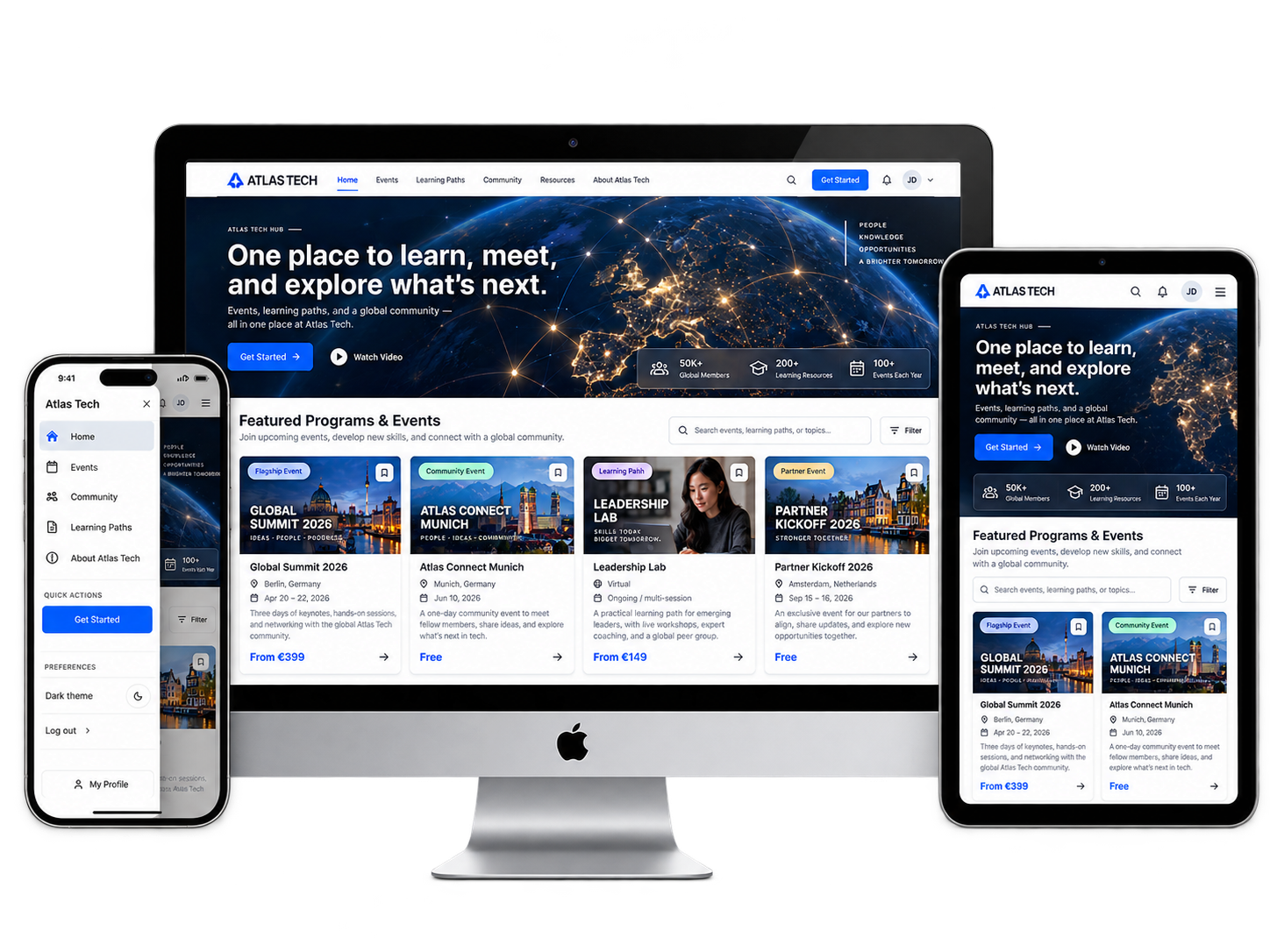
Bring each brand’s events, audience and content together in a dedicated hub. Manage team access, grow your community and give every event the right brand.
Multi-brand management
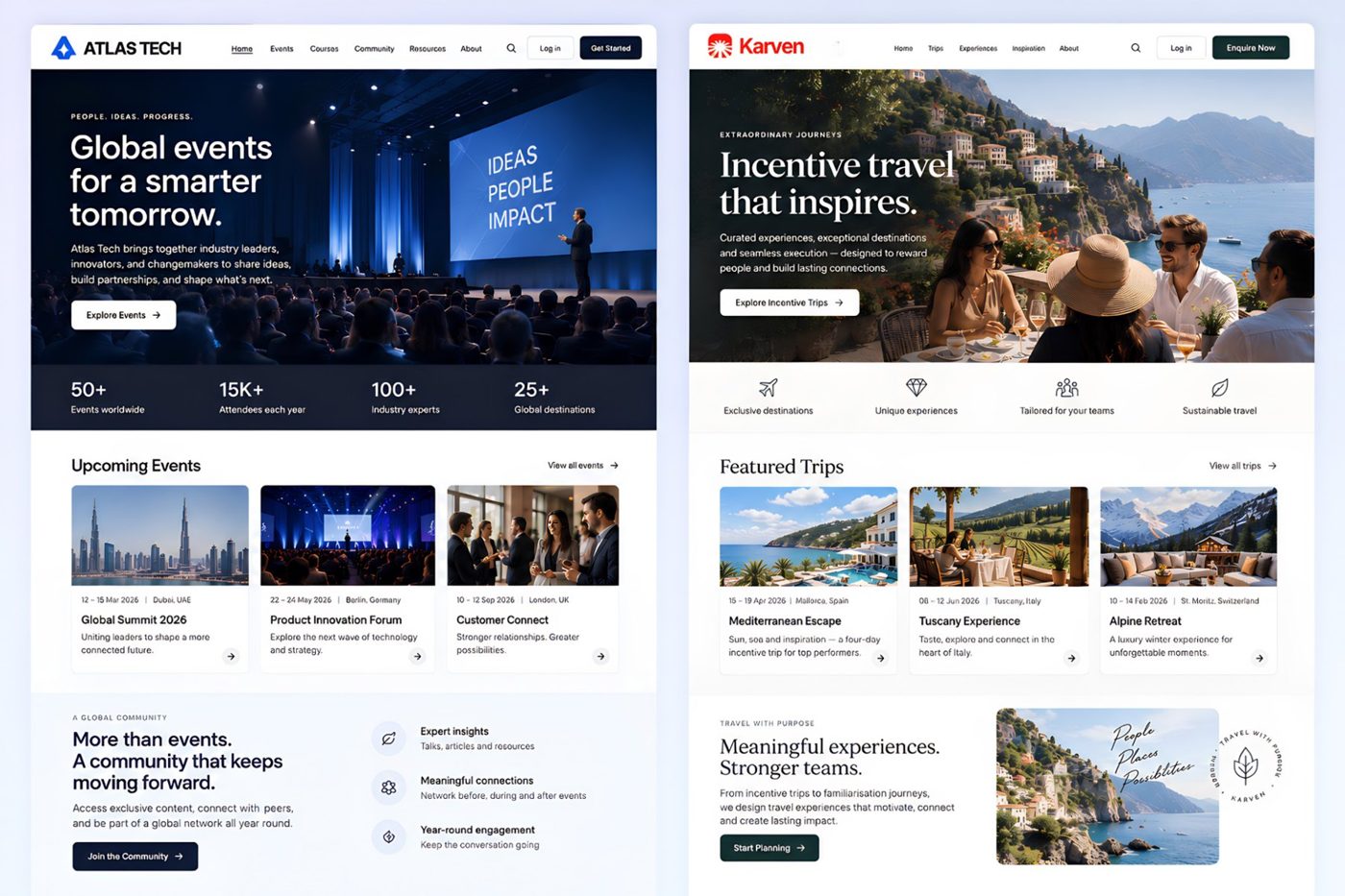
Manage brands and client programmes from one login. Give each its own hub, with a branded website that brings its events, content and audience together.
Separate team access for each brand. Give on-site staff access to check-in only.
Apply your brand kit to websites and emails. Individual events can override the shared identity when they need their own look.
Your Hub setup
Build your website, connect your domain and set the identity your audience will recognise.
Build your Hub website without code. Arrange blocks for events, courses, images and video, then preview desktop and mobile layouts.
Set light and dark logos, a favicon, two colours and a font. Individual events can adapt the shared identity.
Connect your domain with DNS guidance, check SSL status and optionally send visitors straight to one event.
Set a sender name and reply-to address, preview them and authenticate your own domain when needed.
Organize events and sessions with shared tags and keep categories consistent across your team.
Work through a guided checklist to prepare your Hub for launch.
Illustrative setup previews
Community, communications & courses
Give people a reason to return: conversations with their community, useful updates and content they can keep learning from.
Give your audience discussion spaces, channels and a member directory to stay connected between events.
Send broadcasts to all Hub users, members or administrators using reusable templates. Review send history and track delivered, opened, clicked, bounced and unsubscribed results per email.
Organize content into chapters with free or paid access through Stripe, plus bookmarks and personal notes. Support learning with certificates and assessments.
Recurring programmes & event templates
Bring a roadshow series, annual conference or recurring client programme together in the same hub. Reuse a successful event setup to prepare the next edition.
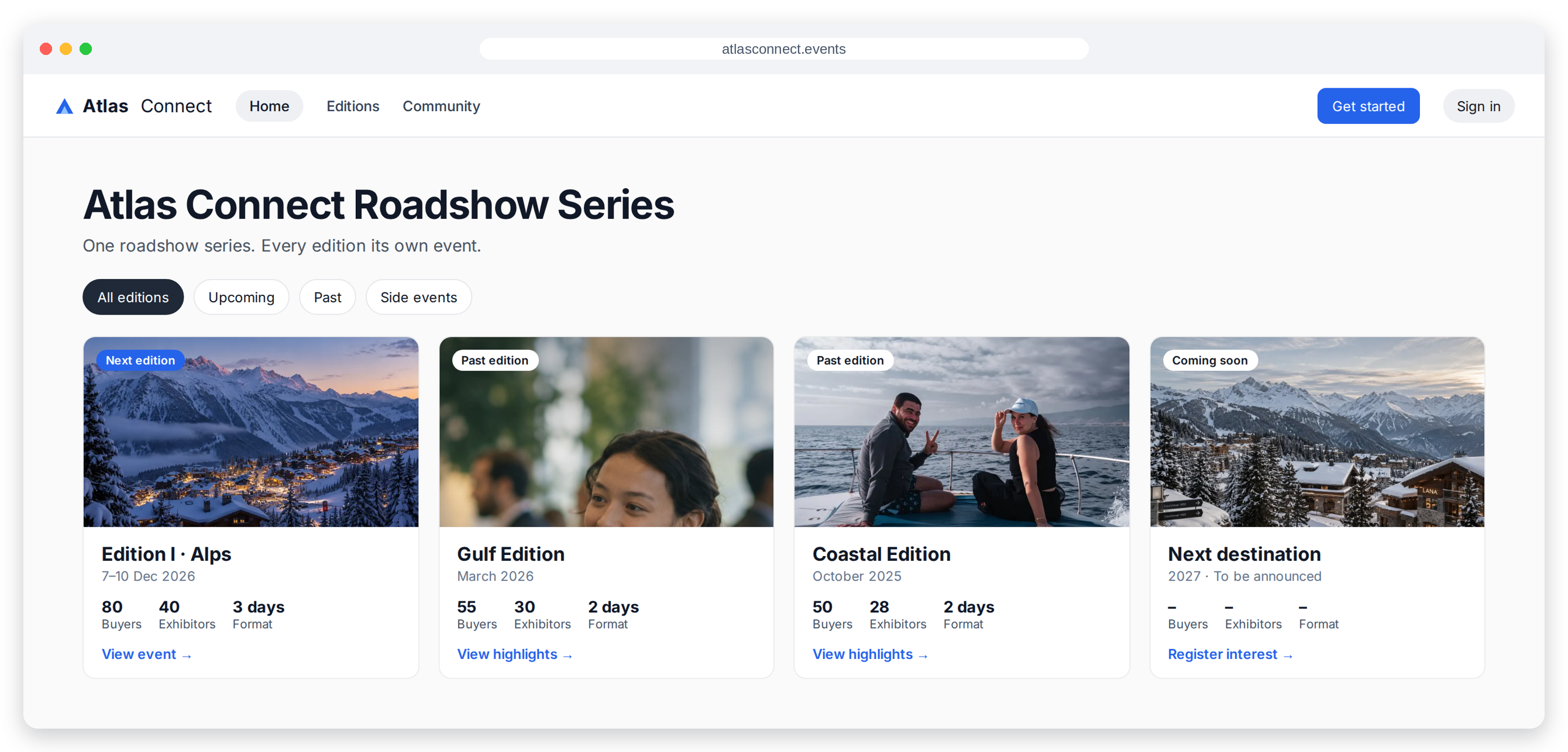
Website, registration form, tickets, emails, sponsors, speakers.
Start the next edition in the same client hub, with the structure your team has already prepared.
Add the new dates and event content, review the guest journey and test before going live.
Attendees, orders and check-ins are never copied.
See the numbers
Track total users, month-on-month growth, weekly and monthly new users, and course enrollments across your Hub.
For a closer look at an individual event, open its event reports.
Explore event reportingStripe connection
Check your Stripe connection and payout status in Meetingbox. Earnings, balances and payouts live in your Stripe dashboard.
Earnings, balances and payouts are in your Stripe dashboard.
The guest side
Each event has its own website. My Event keeps each guest’s pass, bookings, schedule and registration details together on desktop and mobile. The installable event app brings the agenda, updates and connections onto their device.
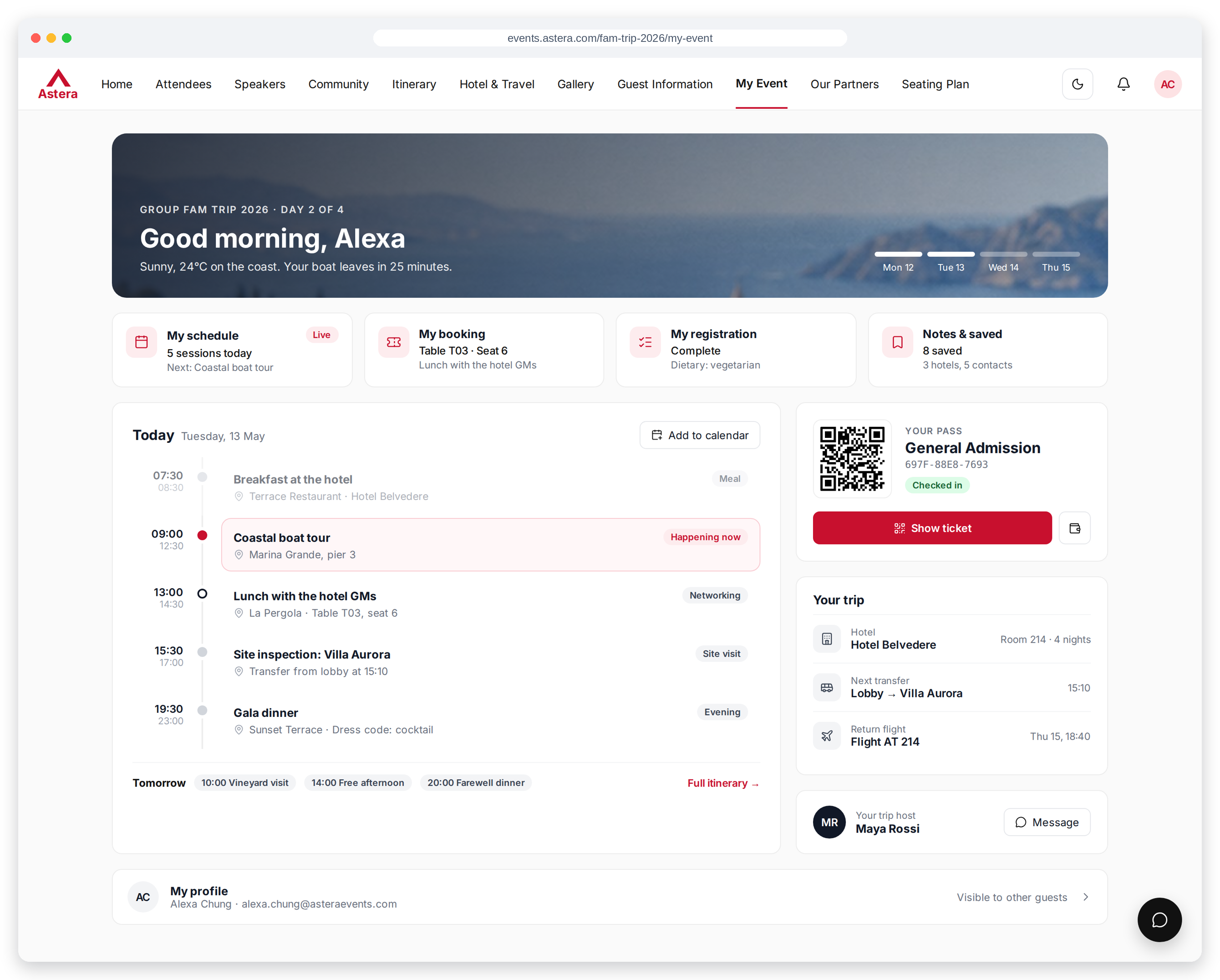
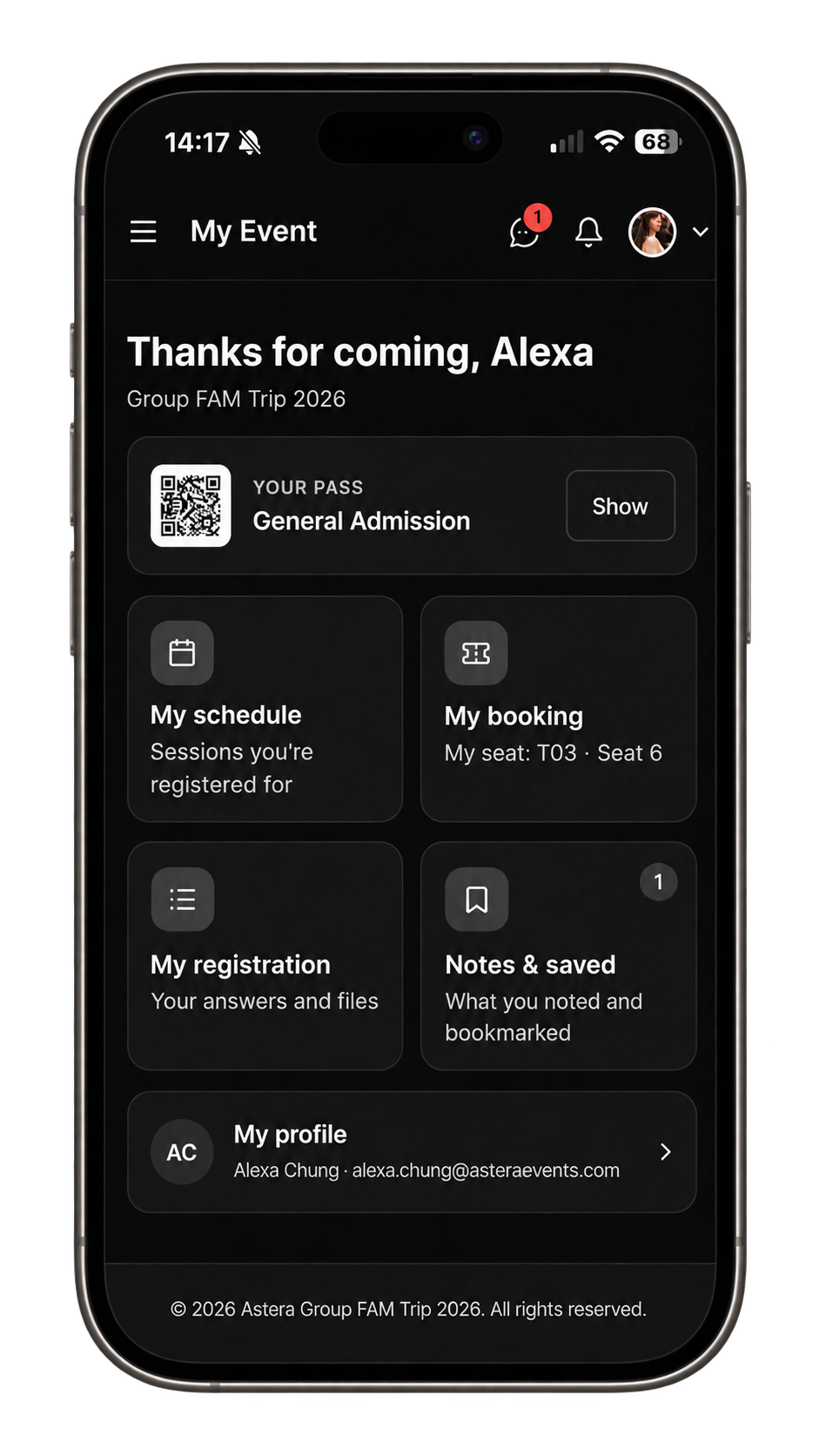
Keep the QR pass, booking details and hotel information together.
Find registered sessions, assigned seating, saved items and personal notes.
Let guests review their answers and documents, and update details until your chosen deadline.
Start with the events and content your audience needs. Add more as your programme grows.