Import and export guest lists
Upload a guest list, then export attendees to CSV or Excel whenever you need to share or review it.

Invitations & access
Send personal invitations, follow every response and decide who can register or see each part of your event.
One guest list
Bring your guests in, follow their responses and keep the next message relevant to each person.
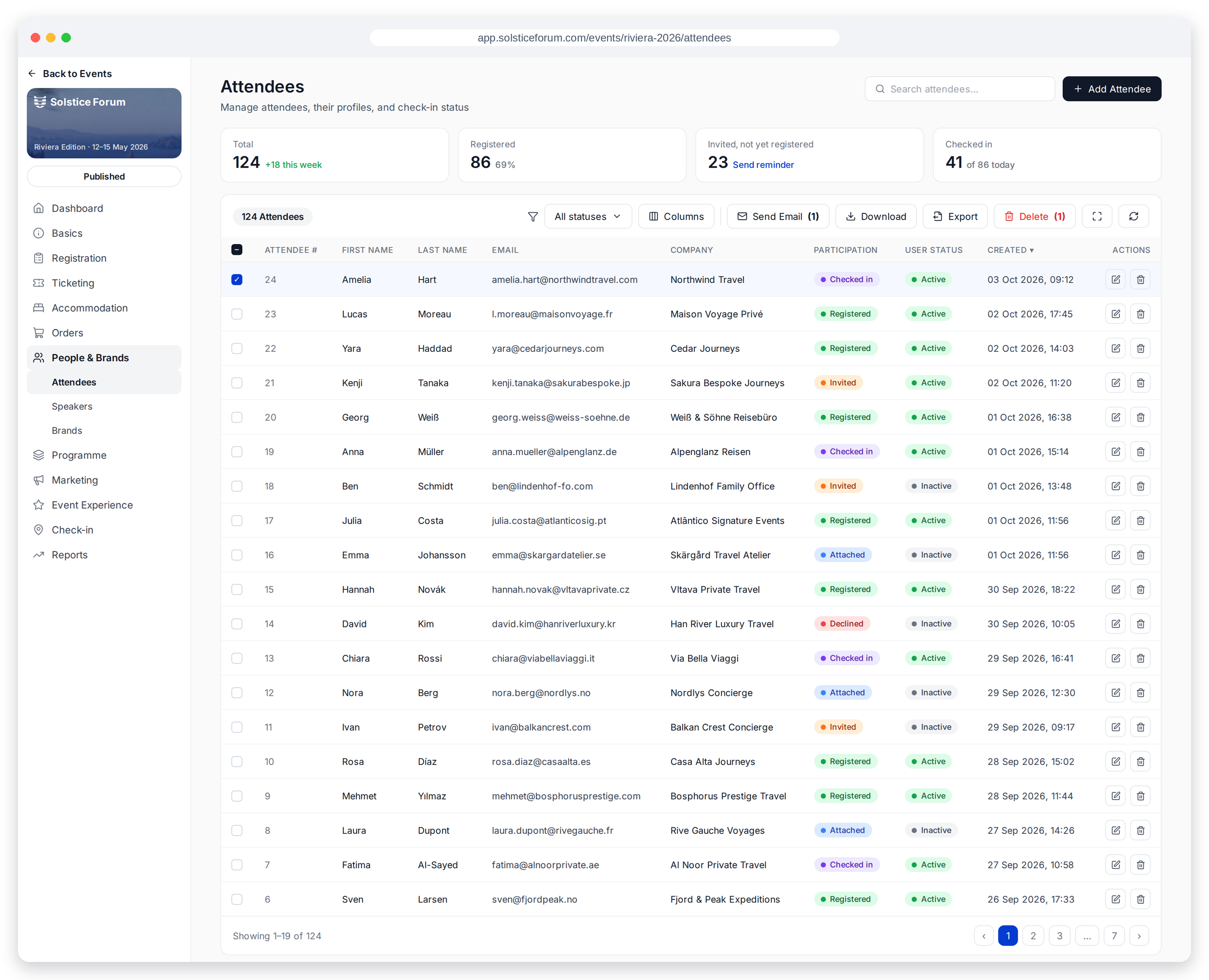
Upload a guest list, then export attendees to CSV or Excel whenever you need to share or review it.
See who is invited, registered or declined. An automatic email follows a decline.
Send reminders only to invited guests who have not registered, with a ready-made one-week-before preset.
Access rules
Registration, individual pages and the whole Hub can each have the access level that fits your programme.
Guests without an invitation see a branded “Invitation required” page with your own message. The registration form refuses them even if they find its URL.
Set a page to public, signed-in users, registered attendees or admins only.
Limit access to invited, signed-in users and turn off public registration for internal or VIP programmes.
Illustrative access previews
Personal links
Export one-click registration links for executives, account managers or hosts to send from their own mailbox. Every guest can use their link once to sign in without a password.
Groups and companions
Invite a group coordinator and set how many guests they can register. Individual invite-only guests cannot add plus-ones, so the guest list stays within your plan.
Explore groups & coordinatorsGood to know
Personal links are single-use and tied to the invited guest. Forwarding one does not give another person their own access.
It stops working after the validity period you set. You can export a new link; doing so invalidates earlier links.
Guests cannot add extra people to invite-only events. Group coordinators can register their own participants within the guest limit you set.
Yes. Limit the Hub to invited, signed-in users and turn off public registration.
A thoughtful way to welcome every guest
See how invitations and access could work for your next event.
Book a demo