Hotel library
Set up hotels once, use them in every event.

Accommodation
Set up partner hotels once, let guests book their room when they register, and see at any time how each block is filling.
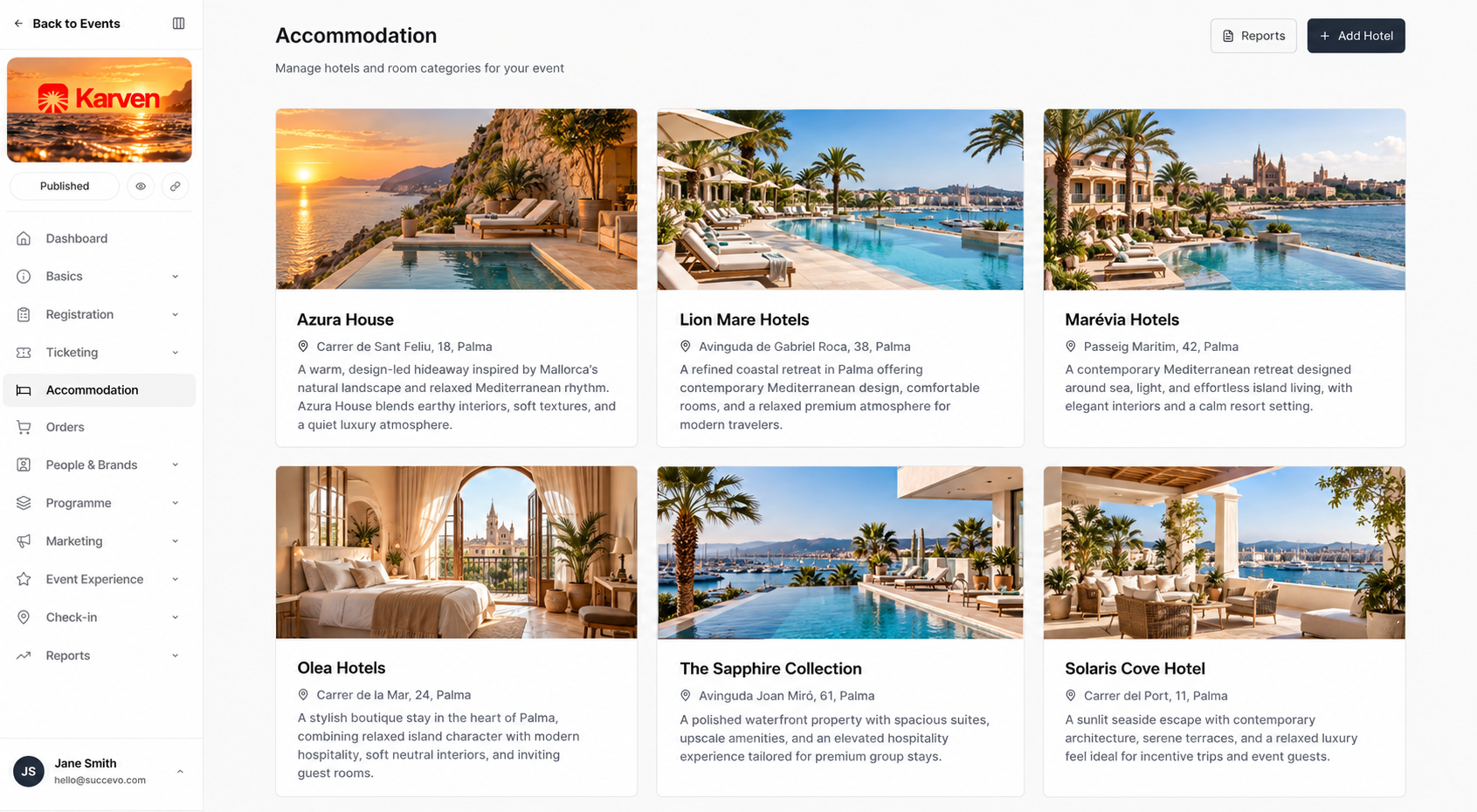
Room block management
Booking during registration
Guests pick their hotel, room type and nights as part of registration, and can pay for the room and any add-ons in the same checkout. Their booking is saved on their attendee record.
Explore registrationChoose where you'll stay
Contract tracking
Enter each hotel's cutoff date and the share of rooms your contract commits you to fill.
Group room blocks
Allocate part of a hotel's rooms to a group coordinator. Their guests book from that allocation, and the rest stays open to everyone else.
Explore groups & coordinatorsReports & rooming lists
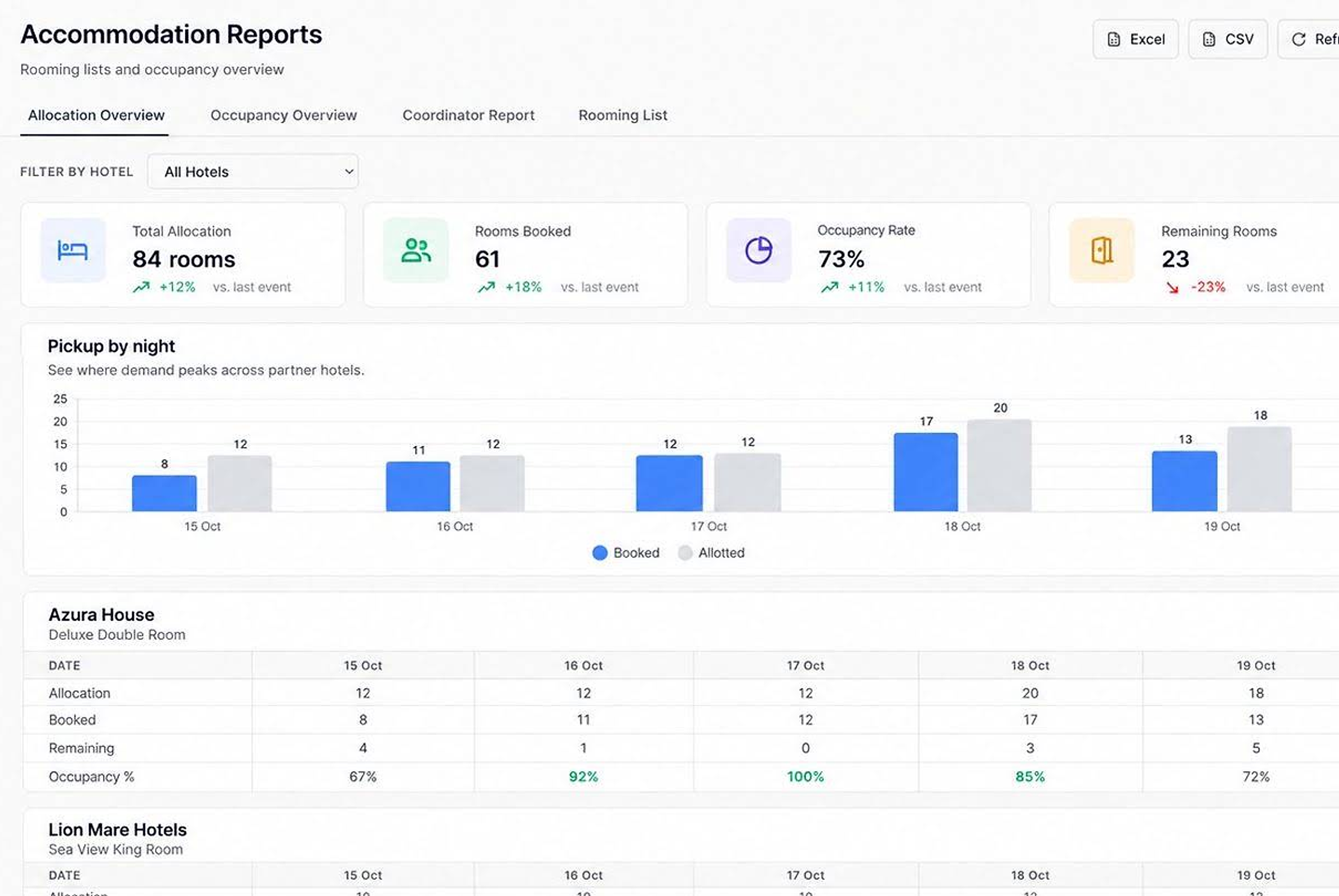
At a glance
Set up hotels once, use them in every event.
Rooms held, booked and left for every night.
Separate allocations for groups.
Track pickup against your contract.
Rooms and add-ons in one checkout.
Ready to send to the hotel.
Good to know
Yes. Add as many partner hotels as you need, each with its own room types, prices and nightly allocation.
Yes. Hotels and room types live in your hub's property library and can be added to any event.
Yes. Allocate rooms to a coordinator; their group books from that allocation.
Enter the cutoff date and committed share; reports show whether pickup is on pace and the expected shortfall.
Yes. Export a rooming list per hotel to Excel or CSV. Cancelled stays are excluded.
Yes. Rooms and add-ons can be booked and paid in one secure checkout.