A visible intake
Keep event requests and the decisions around them in one place.


Corporate event teams
Turn requests from across the business into well-run events. Give teams a shared way to manage approvals, budgets and delivery, with a consistent experience for every guest.
A portfolio, not a pile of requests
Leadership meetings, customer events and roadshows have different audiences, but they draw on the same team. See what is requested, what is approved and what is in delivery.
Built for your work
The same event team can support very different internal audiences without losing visibility of its workload.
Keep event requests and the decisions around them in one place.
See who owns the work and where the team is committed.
Give programmes a shared identity with room for event-level needs.
Look at project costs alongside each event’s registration and attendance.
01 / Operations Suite
The Operations Suite keeps internal stakeholders, planners and finance in the same project context.
Keep briefs, stakeholder conversations and decisions together before work begins.
Explore the capabilityAssign owners, approvals, tasks and milestones that everyone can follow.
Explore the capabilitySee the work across town halls, partner events and roadshows before the same people are booked twice.
Explore the capabilityKeep estimates, actual costs and financial status close to delivery.
Explore the capabilityUse Meetingbox Intelligence to extract requirements and prepare a first plan for your team to review.
Explore the capabilityInteractive demo
Follow a request as it becomes a shared project plan, with clear next steps for your event team.
02 / Event Experience
The Event Experience helps each business unit give guests the right information without losing the organisation’s brand.
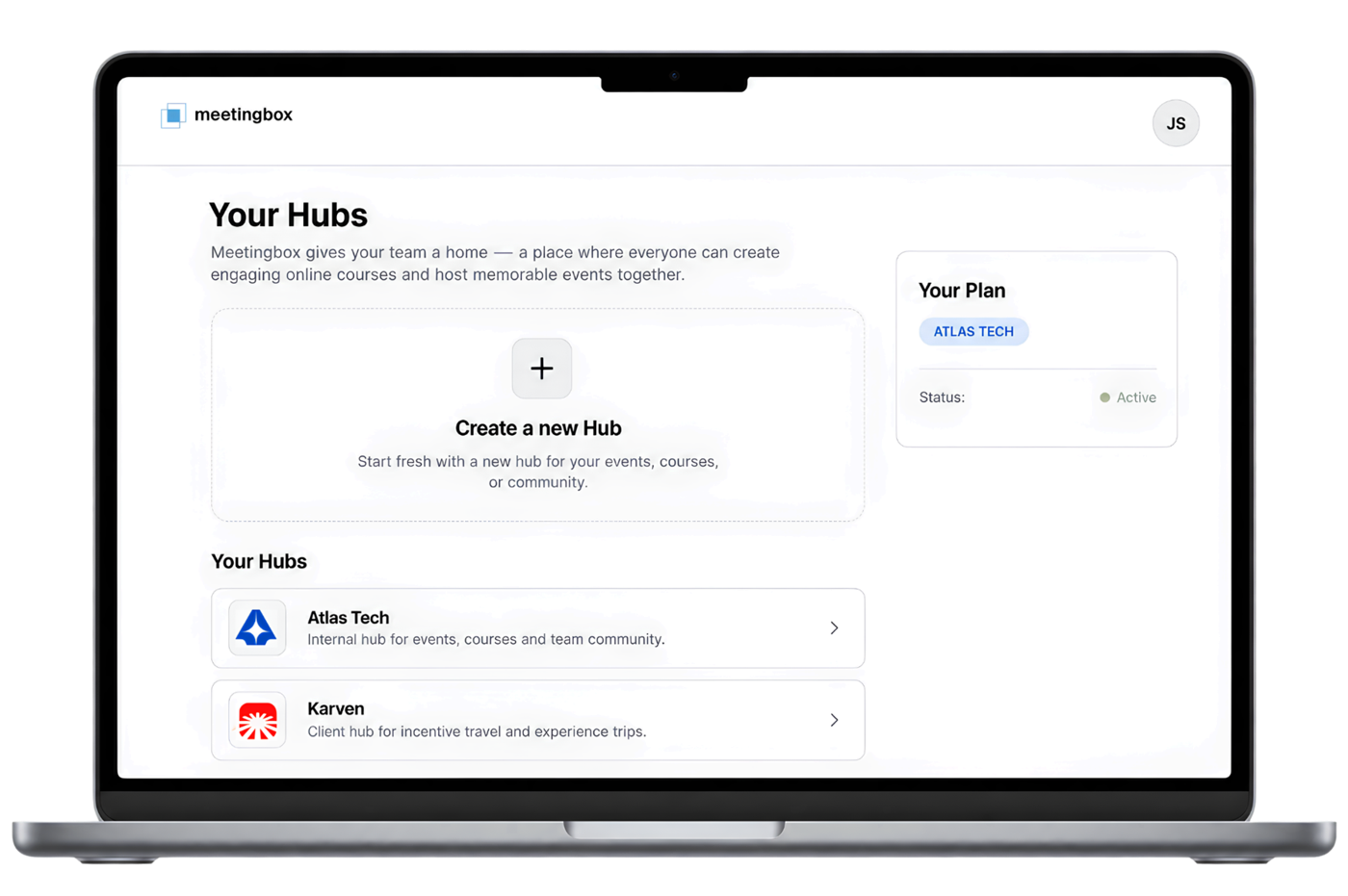
Use a private hub and choose which event pages each audience can see.
Explore featureApply one brand kit to websites and emails, with event-level overrides when a programme needs its own look.
Explore featureUse event templates for recurring town halls, kick-offs and partner summits, then tailor each edition.
Explore featureUse invite-only registration and remind people who have not registered yet.
Explore featureBuild custom event reports with guest details, registration answers and consent fields.
Explore featureAdd assessments and completion certificates to onboarding or training courses.
Explore featureAcross the journey
Give the team a repeatable operating rhythm without forcing every event into the same guest journey.
Capture the purpose, audience, timing and owner.
Coordinate tasks, budget, partners and guest communications.
Compare project and event results before the next request arrives.
Repeatable project workflows
Keep a proven project workflow for recurring events. Adapt each event’s brand, audience and content to the team requesting it.
Capture purpose, audience, owner and deadline.
Use project tasks the team already understands.
Set branding, registration and communications for this audience.
Compare delivery costs and event participation.
A reused project workflow does not copy attendee records into a new event.
Relevant formats
Change the guest journey while keeping the operational picture clear.
Practical questions
How an internal team keeps many briefs under control.
Yes. A hub can give each brand or programme its own website, events and team access.
Yes. The Operations Suite helps planners see assignments and capacity across active projects.
Yes. Open the individual event to review registrations, attendance, sales and other supported results.
Meetingbox in your context
See how Operations Suite and Event Experience work together in your workflow.
Book a demo